
Author:
Michael Knill
Managing Director
IPC Solutions
Introduction
I get it, purchasing a new communications system is a difficult decision. Not just the cost but also whether it will be a good fit for your business needs and will actually enhance communications with clients and staff.
After consulting with hundreds of businesses across a wide range of industries, I have identified 11 key factors that can determine whether a communications system is the right fit for you.
It’s a long read, but then again it’s a big decision, so let’s get into it.
Note that throughout this article, I have used "system/platform" and "provider" interchangeably. One reason for this is because the same system could be offered and supported by different providers and your experience can depend as much on the provider you choose as on the system itself. Also with Shared System Providers, you may not even know the platform they are using or how it is implemented so analysis is on the provider rather than the system.
TL;DR Executive Summary
Selecting a business communications system is one of the most consequential technology decisions an organisation can make. Get it right and it becomes a strategic asset but get it wrong and it becomes a costly, disruptive liability. This article examines 11 key factors that should drive your evaluation.
Architecture sets the foundation. Onsite systems offer local control but carry significant resilience and connectivity risks that make them difficult to recommend in most cases. Shared cloud systems suit businesses with straightforward requirements and hybrid workforces. Private cloud delivers the best balance of flexibility, security and control for organisations with more complex needs, albeit often at a higher cost.
Media types and features matter, but more is not always better. Unified Communications platforms that combine voice, video and chat can add genuine value, though not every business needs all three and forcing everything into a single application can limit flexibility and compromise quality. Evaluate features not just by their presence on a spec sheet but by how well they actually work, how easy they are to use, and whether they genuinely suit your workflows. AI capabilities are increasingly relevant but require experienced implementation to deliver real value.
Endpoints should match the way your team actually works. Desk phones remain the right choice for static, office-based roles. Softphones provide mobility but introduce technical complexity. The best systems support both seamlessly with full feature parity.
Integration with existing tools such as your CRM can significantly enhance the client and staff experience. Reliability and security are non-negotiable so press your provider hard on hosting redundancy, disaster recovery, data breach protections, toll fraud controls, and update frequency.
Longevity is now determined by software, scalability and vendor innovation rather than hardware durability. Cloud-based, open-standard systems scale elastically and receive ongoing improvements wheras onsite systems can become frozen in time. Assess whether your provider is actively innovating or effectively delivering you a legacy system on day one.
Migration risk is largely avoidable with proper planning. Insist on a clear migration strategy that separates number porting from the physical cutover, includes staff training, and has a documented back-out plan.
Support quality is the most consistently overlooked factor. Understand what is included in your service agreement, what response times are targeted and whether the provider has a genuine track record of delivering prompt, capable assistance.
Cost should be the last consideration, not the first. Evaluate total cost of ownership including upfront hardware, porting, installation, ongoing per-seat fees, included call types, and contract flexibility. Month-to-month terms are a reasonable expectation for cloud services; be cautious of long lock-in periods.
The right decision comes from asking the hard questions before you sign anything. A system that genuinely fits your business should pay for itself many times over.
Factors to Consider
Factor 1: What system architecture is the best fit for my business?
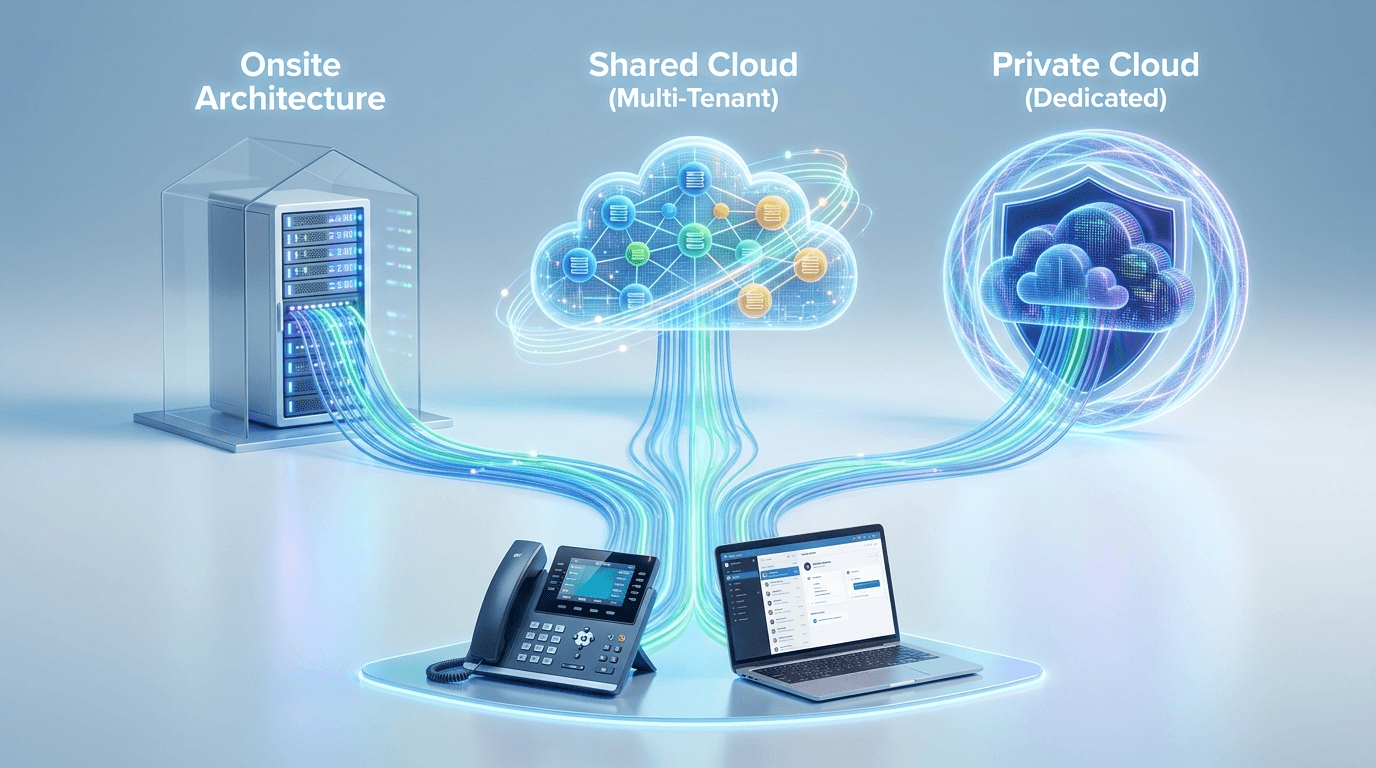
For Australian businesses, modern communication systems have entirely abandoned old-school copper phone lines in favour of the internet. Today, your desk phones and computer apps connect to a central system controller over a data network.
This controller can generally be set up in one of three ways:
Onsite System - An on-premises controller means that physical system hardware is located within your building and you are responsible for the maintenance, power, and connectivity of the system. Onsite phones connect to the controller by a local or wide area data network.
Shared Cloud System - In this model, multiple organisations use the same software instance on a single cloud-based server cluster. Each company’s data is logically separated, but they share the underlying compute resources. All phones are connected via the public internet.
Private Cloud System - In this model, the system is still in the cloud but on a dedicated instance. The software and hardware resources are reserved exclusively for your organisation.
Each strikes a different balance between cost, control and convenience, as the comparison below sets out:
| Onsite System | Shared Cloud | Private Cloud | |
|---|---|---|---|
| Advantages | Sensitive data stays within your local network, so you control security policies. Possible long-term cost benefits with a low-cost hardware appliance. | Very cost-effective, usually a predictable per user monthly fee. Provider handles all maintenance and supplies an administration portal. Housed in a data centre, so usually reliable and well suited to connectivity from anywhere. | Flexibility to customise the environment and usually schedule updates at times that don't disrupt operations. Onsite phones can connect over a private network or VPN improving security, functionality and support and also bypassing firewall traversal issues. |
| Disadvantages | Totally reliant on the site's power and internet connectivity; controller hardware failures take more time to restore. Often not optimal for offsite phone connectivity given relatively low speed site internet and the need to traverse firewalls. | Limited ability to customise for niche business needs and no control over the timing of updates or maintenance windows. | Usually costs more than a shared cloud environment due to the dedicated resources, especially for smaller businesses. |
| Best suited to | Limited situations; in most cases the disadvantages make it difficult to consider. | Businesses with simple communications requirements and remote or hybrid workforces. | Organisations needing customisation, scheduled updates, stronger security or private/VPN connectivity where the added cost is justified. |
Factor 2: What media types do I require?

Many systems today support multiple types of media such as Voice (Telephone), Video and Instant Messaging (Chat) all within a single communications client. This is termed Unified Communications which allows you to choose how you can communicate with someone and their willingness to communicate, conveyed by their Presence status.
It all sounds fantastic but here are some factors to consider:
Do you need to support all these media types in your business?
Voice, video, and chat are common in business, but not every organisation or user requires all three. It is worth assessing if each medium actually adds value to your specific workflow.
Are you happy to use a software client for your communications?
Unified platforms usually run as apps on computers or mobile devices. This software-centric approach might not be the most effective or desirable solution for every environment or user.
Does the system do all these things well?
It is difficult for one platform to provide a premium experience across all formats and features. For example, technical hiccups like muted audio or computer audio selection are often tolerated on video calls but would be unacceptable for a standard telephone call. Optimising for one medium may compromise the quality of another.
Is having separate systems really more difficult to use?
Most people already navigate multiple apps like iMessage, Facetime, Teams, WhatsApp Zoom etc. daily. We are accustomed to switching between platforms to get the best experience, and forcing everything into a single application could end up limiting your flexibility.
So to clarify, having a system that supports multiple media types is a great choice for many businesses, however it may not be necessary or the best fit for yours.
Factor 3: What features are available and will they meet my current and future business needs?
The feature list of a communications system can be overwhelming when trying to understand what they all do and how they can benefit your business.
Here are common features found in a business communication system:
| Category | Feature | Description |
|---|---|---|
| Call Handling | Call Transfer | Direct a call to another number and introduce the caller. |
| Call Forwarding | Sends calls to your phone to another number. Can be set for all calls, when the line is busy, or when it is not answered. | |
| Call Pickup | Enables staff to answer a colleague's ringing phone. | |
| Call Park | Holds a call within the system so it can be retrieved from any other phone in the system. | |
| Do Not Disturb | A setting that prevents the phone from ringing and sends all incoming calls to the busy forwarding destination if set. | |
| Caller Identification | Show the callers number and name on the phone. | |
| Presence and Busy Lamp Field | Provides status information and one touch dialling for colleagues. | |
| Routing and Automated Response | Interactive Voice Response (IVR) | A system that uses digit prompts to direct callers e.g. Press 1 for Sales, 2 for Support. |
| Call Groups | Send calls to multiple people using different distribution methods such as ring all (Ring Group) or ring sequentially (Hunt Group). | |
| Call Queuing | Places callers in a queue during high volume periods and distribute call across agents using various distribution algorithms such as ring all, linear, fewest calls etc. | |
| Announcements | Delivers specific recorded messages to callers. | |
| Night Switching | Changes call routing for after hours. | |
| Messaging and Collaboration | Voicemail | A message can be left which is listened to from the phone or email. |
| Call Recording | Captures the audio of phone conversations for training, quality assurance, or legal compliance. | |
| Voice Transcription | Transcribe voicemail messages and call recordings to text. | |
| Call Conferencing | Allows multiple users to participate in a single conversation. | |
| System Experience and Management | Music on Hold | Provides music for callers while they are on hold or waiting for a transfer. |
| User Administration portal | A dedicated interface for managing system settings and user configuration. | |
| Call Reporting | Call reporting provides detailed data and metrics on phone activity to analyse traffic, performance and trends. |
While most providers and systems will support all these features, it would be wise to evaluate the following:
Are they easy to use?
A system is only as good as its ease of use. If the interface is cluttered or confusing, your staff will struggle to use the system to its full potential, leading to frustration and lost productivity.
For example, are the features implemented as difficult-to-remember dial codes?
Are the features intuitive and require minimal button pushes to activate?
Which ones can be accessed from the phone itself or require you to log into a web-based portal?
Will the feature meet or exceed my expectation of what it actually provides?
Just having a feature listed does not mean that it works the way you expect it to. There can be significant variations in what features are capable of between systems.
Are they easy to configure?
Generally only relevant if you are administering the system yourself, is the feature easy to set up and administer.
Can you pilot or trial the system to see if it meets your business requirements?
While a trial may involve a cost, typically applied only if you decide not to proceed, it provides the certainty that the features actually fulfil your operational needs before you commit to a full implementation.
What customisation is possible?
You may have a specific requirement that is unique to your environment in which case you need to determine what opportunities are available to customise the system either by software modification or other external add on products. Note that this may be difficult to achieve with a Shared Cloud-Based System.
What about AI features?
Artificial intelligence is now embedded in many modern communications platforms and is worth considering as part of your feature evaluation. Common AI capabilities include intelligent transcription, summarisation and analysis of recorded audio, AI-powered virtual assistant that can handle common enquiries and integrate into your business management system, and so much more.
The potential is real, but so is the complexity. Implementing an AI virtual assistant well enough to genuinely improve the customer experience is difficult and takes careful planning and configuration. This has driven a growing number of specialist AI providers to focus exclusively on specific business verticals, such as medical, legal, and trade services to overcome this complexity.
So rather than focusing solely on a platform's built-in AI features, the more useful question may be how much hands-on experience your provider has in implementing AI functionality.
Factor 4: What endpoint types are available and what do I need?
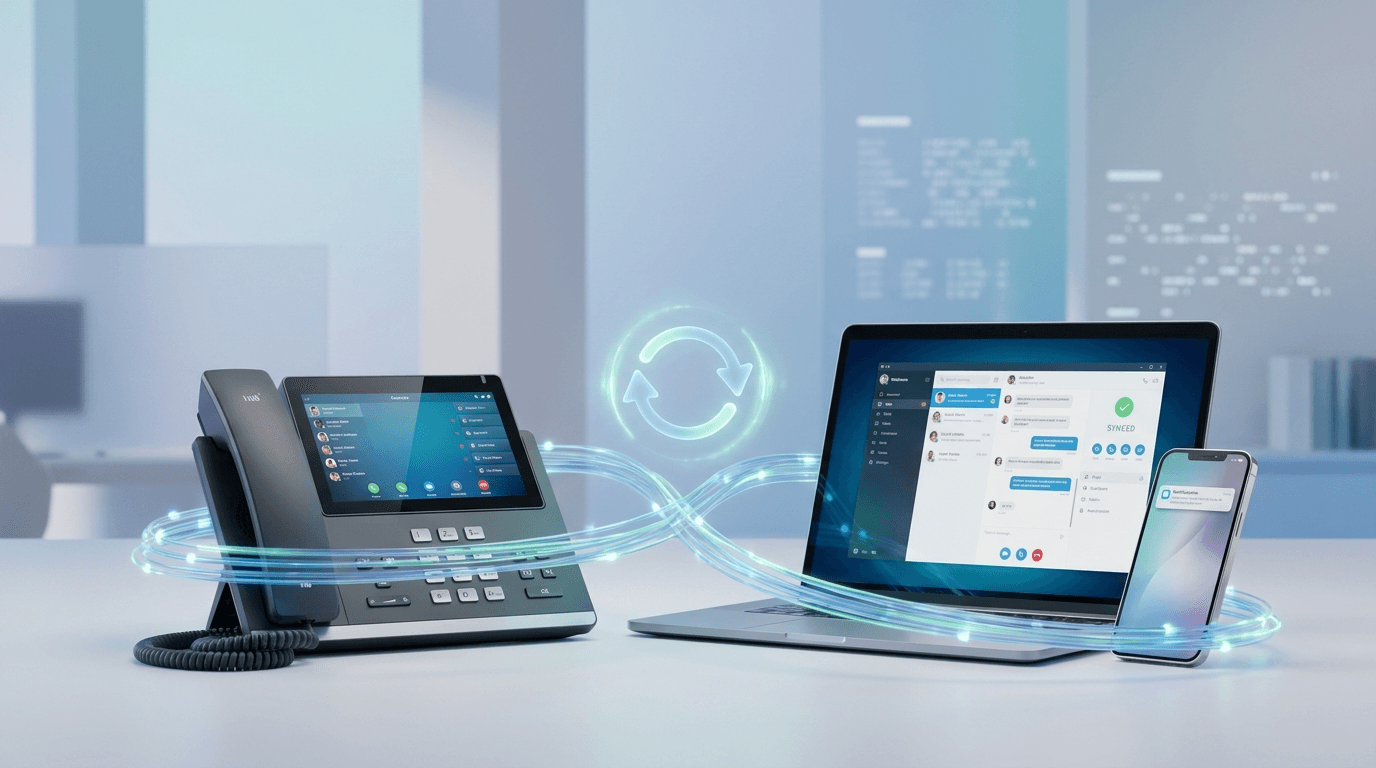
An endpoint is any physical or software device that serves as the interface where a user interacts with the telephone system.
Softphones are software applications installed on a computer, smartphone or tablet that allow employees to take their office extension with them anywhere. While many businesses are moving towards these software-based endpoints, physical hardware (desk phones) still has its place, and you need to ensure the system supports a range of endpoints that suit different roles.
Desk phones work well for static roles like receptionists or office-based sales teams and shared rooms as they are always on and quick to use. Make sure the system and/or provider offers a good range of phones, from basic models for breakrooms to executive models with large screens and ample programmable buttons.
A good system should allow for a mix of both, enabling a user to have a desk phone at the office and a softphone on their laptop and/or smartphone for when they work remotely.
The obvious advantage of a softphone is that you are not tied to your desk, however there are some disadvantages. Since it is a software application, you must log in periodically. You may also face more technical challenges than you would with a standard desk phone such as voice quality, headset connectivity, application window position and issues with the device it is running on.
If remote work is part of your business model, make sure that there is tight integration between softphones and desk phones such as seamless handover and feature parity. There should be very little difference between available features for the two and neither should compromise the client experience.
Factor 5: Will it integrate with other systems?
Your communication system should not exist in a vacuum. Check if the platform can integrate with the tools your team already uses daily, such as your CRM (Customer Relationship Management) software, email, or team collaboration platforms like Microsoft Teams or Slack.
For example, CRM integration can allow a "screen pop" to appear on a staff member's computer when a known customer calls, showing their history and current tickets before the staff member even picks up the phone. This level of integration creates a more professional experience for the customer and saves time for the employee.
Factor 6: Is it reliable enough?
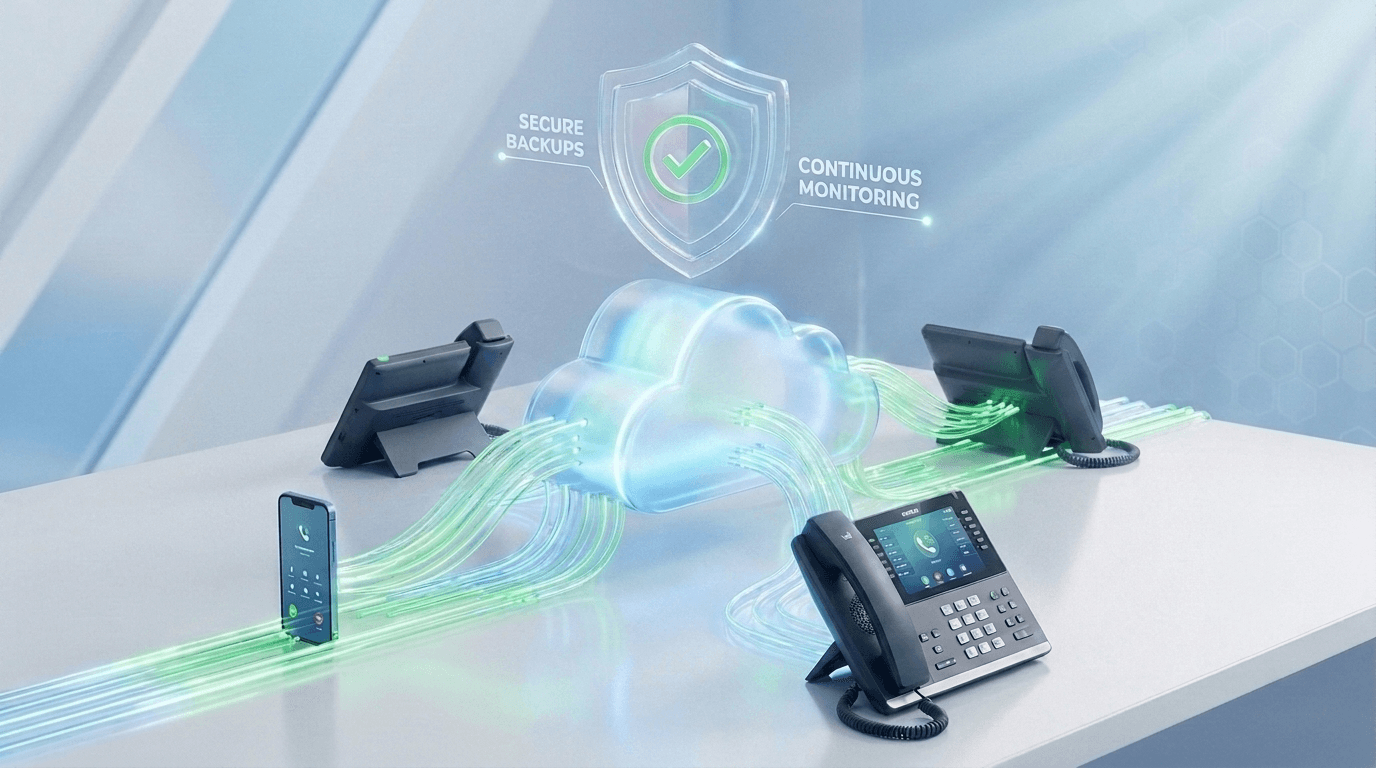
A telephone system packed with features is ineffective without consistent, reliable performance.
This can be difficult to assess without technical knowledge of how everything fits together, so here are some important questions to ask your provider:
How and where is the telephone infrastructure hosted and how well is it connected?
This question is only relevant to hosted systems and is important to ask.
Is it hosted in Australia?
Will it be hosted across redundant Data Centres or at least within the same Data Centre across a redundant server cluster?
How well connected is the Data Centre?
What specific measures are in place to keep you operational when problems occur?
What happens if the system fails?
For a private hosted or onsite system, if the system died, how long would it take to restore?
If your local internet goes down, can the system automatically reroute calls to mobile devices?
Have you built redundancy into your network connectivity such as dual internet services using diverse providers or 4G/5G failover?
What is the grade and Service Level Agreement (SLA) for your internet service carrying voice traffic (nbn® business plans)?
How quickly could they establish a temporary disaster recovery location?
How often is the system backed up?
Generally more relevant for onsite or private cloud systems, how often the system configuration is backed up will determine the impact of a system outage.
If the system lost all its configuration how quickly could it be restored?
If some configuration was accidentally deleted could just that configuration be restored?
Is the system monitored?
Also more relevant for onsite or private cloud systems, is your system continuously monitored for potential issues? Proactive monitoring could mean that your provider could be alerted and fix issues before you even recognise you have a problem.
Look at reviews and gather feedback from other businesses in your industry to understand the strengths and weaknesses of systems and providers you are considering.
Factor 7: How secure is it?
Because most communications systems are connected to the internet, they are susceptible to the same risks as any other internet-accessible service. Security is not an optional extra but a core evaluation criterion and I would strongly recommend pressing your provider on all of the following. Note that you may not have deep technical expertise in this area and that's fine as a good provider will be happy to answer these questions jargon free:
How is the system protected from a data breach and how is the administrator portal accessed securely?
A data breach of your communications system could expose sensitive information to an attacker. Under the Australian Privacy Principles (APPs) overseen by the Office of the Australian Information Commissioner (OAIC), protecting client data is critical. A breach could also render your system unusable or expose it to toll fraud (see later).
Make sure you consider Data Sovereignty when using a cloud system to ensure that call recordings, voicemails, and chat logs are stored in Australian-based data centres to comply with local privacy laws.
Is the system directly connected to the internet or behind a firewall?
How do you connect to the administration portal and where is it hosted?
Are there mitigations in place for brute force attacks (continuous attempts to log in) such as IP address blacklisting and login timeouts?
What measures are in place for managing portal login credentials?
Simple passwords are the most common entry points for unauthorised users.
Does the system enforce complex passwords?
Does the system force you to change the password on initial login or is it easily accessible from a login email notification?
Can you use Multi Factor Authentication (MFA)?
How do endpoints securely register to the system?
Endpoints like desk phones and mobile apps are the primary gateways into your voice network. If their registration is not secured appropriately, it is possible that an attacker could register as a legitimate extension on your system to intercept calls or commit toll fraud (see later).
If you are configuring the phone yourself, how are the phone registration credentials passed to you? Email?
Is the signalling traffic from the phone to the system controller encrypted and if so how is it achieved? If so it should use either Transport Layer Security (TLS) version 1.3 or higher or via a Virtual Private Network (VPN) connection.
Is rate limiting and/or IP Address blocking enabled to prevent brute force attacks on phone registrations.
How frequently are security patches and firmware updates released for the telephone system and endpoints?
Security vulnerabilities are discovered regularly so a consistent update schedule from your provider shows that the manufacturer is actively protecting your system against the latest exploits along with your provider who is performing the update.
How do you protect against toll fraud?
Toll fraud occurs when an attacker hijacks your system to make expensive international calls that could cost thousands over a couple of days. The financial risks of telecommunications hacking are significant, as highlighted by resources from the ACMA and Scamwatch.
Are there blocks or rate limits to at-risk international destinations by your trunk provider?
Are there automated alerts that trigger if the system detects a sudden spike in call volume or unusual calling patterns?
Is it possible to call forward a phone to an international destination?
What about media encryption?
Encryption of the audio stream (media) itself is usually done using the Secure Real-time Transport Protocol (SRTP). This has not been discussed above as encryption is only useful when used end-to-end, which is currently not possible for most external calls on the Public Telephone Network. It remains relevant for internal calls and some specialist deployments, but generally does not need to be treated as a security baseline for normal business telephony.
Factor 8: How long will the system last?
In the current technological climate, the longevity of a telephone system is no longer measured by the physical durability of the plastic on your desk like systems of old. Instead, "lifespan" is determined by software compatibility, scalability, and even the provider’s approach to innovation and staying current with the industry.
Is the system a "closed" or "open" ecosystem?
If you are purchasing physical handsets, ensure they are Open SIP compatible meaning the phones are not locked to a single system or provider. This approach protects your primary capital outlay as if a system or provider becomes obsolete or is not providing the quality you require, your existing handsets can be migrated to a new platform rather than sending them to landfill. Of course this consideration is much less critical for softphones, which generally require little to no upfront investment in physical hardware other than the device it is running on.
Is the system scalable?
Longevity is often cut short not by failure, but by growth. This is especially applicable for onsite fixed-port systems where once full, the only way to add more users is to replace the entire system and start again (commonly called a "forklift upgrade"). Cloud-based systems have an advantage here, as they are built on an elastic architecture providing immediate scaling to your required growth.
Can the system keep up with future software updates?
A cloud-based system has a clear advantage here as it is not constrained by hardware performance and is routinely refined, patched and improved in the background. An onsite system by contrast, is often "frozen" on the version it shipped with and upgrades are more difficult, or worse still require a full system replacement.
What is the vendor or provider’s approach to innovation and staying current with industry trends?
If your system vendor or provider is not actively modernising their product, they are essentially handing you a legacy system on day one. So determining how well your communications can adapt to a changing world will determine if it remains a strategic asset or a becomes a liability, now much sooner than previously.
Factor 9: How seamless is the migration to the new system?

Moving to a new communications system sounds daunting, but with the right approach it can be done with minimal to no impact on your business. In my experience, most migration problems are avoidable and stem from poor planning rather than technical failure. Here are the key questions to ask your provider about how they will manage the transition.
Can my system be migrated with little or no downtime?
There are multiple approaches to keeping your business operational throughout a transition.
This could be using an after-hours cutover, where the new system is fully configured and tested in advance, then switched over after-hours so your team arrives to a working system the next morning.
Another method could be a parallel migration, where both the old and new systems run side by side, allowing all or key staff to become familiar with the new system prior to cutover. The actual cutover therefore becomes a simple process of redirecting your main number to the new system with minimal impact to the business.
How will my existing phone numbers be transferred, and what happens if something goes wrong?
In most cases, your phone numbers will need to be ported to a new carrier that is used by your new provider. It is important to understand that number porting in Australia is notoriously complex. You should be aware of the standard rules and timeframes for Local Number Portability (LNP) in Australia, which are governed by bodies like the Communications Alliance. The process can take a significant amount of time (over 4 weeks) and is a separate process from the physical migration.
A good provider will separate the migration from the number porting. This could be done by setting up a temporary number on the new system first, then forwarding your main number to that temporary number while the port is in progress. I strongly discourage performing the migration and number porting at the same time. This introduces significant risk of downtime if the migration was unsuccessful and the porting process has already happened.
Will my staff know how to use the new system?
The success of any migration comes down as much to people as it does to technology. The new system may work flawlessly on cutover but if no one knows how to use it, the impact on your business is much the same as if it had failed.
This is where training on the new system is so important. Ask to see what training resources are provided and whether they are genuinely practical e.g. a concise quick reference guide beats a 200-page manual every time. A great technique is to involve a handful of "champions" who become familiar with the system first and are the go-to resource on the day of cutover.
If you are running a parallel migration, staff can learn the new system at their own pace before the transition which removes most of the anxiety from the process entirely.
Is there a back-out plan if things go wrong?
The fear that once you flip the switch there is no going back is deserved but does not have to be the reality. With the right migration strategy such as a parallel cutover for instance, it is entirely possible to keep your old system available as a fallback in the event of a migration failure.
Ask your provider if they have a backout plan if something went wrong post-cutover.
Factor 10: How well is it supported?
Although not often considered, the quality of ongoing support is probably the most overlooked factor when selecting a communications system. Modern VoIP telephony offers remarkable capabilities compared to systems of old, but that increased complexity means good support is a necessity, not a luxury.
Here are some important questions to ask when evaluating a provider's support offering:
How much are you expected to manage yourself?
Many modern systems offer an administration portal that allows you to set up and make changes yourself without contacting your provider. This sounds appealing, but it is worth considering whether this model suits your business. A communications system is critical infrastructure and misconfiguration can have real consequences. Before assuming self-management is a benefit, ask whether your team has the time, expertise and desire to do it safely and whether the provider is there to help promptly if things go wrong.
What level of support is included and how quickly will they respond?
Does your provider have a Service Level Agreement (SLA) which defines their target response times? Check that support is available across the business hours you operate and if on-site support is important to your business, confirm that it is available.
Is your provider known for good support?
Look for providers with a proven track record and take the time to check references and read customer reviews to gauge both reliability and service quality.
Factor 11: How much does it cost?
I have deliberately left cost until last, because too many businesses make it the first consideration. A system that does not meet your business requirements is wasted money regardless of how affordable it seems. Evaluate cost only once you are satisfied a system genuinely fits your needs. With that said, here are the cost questions worth working through carefully:
What are the upfront costs?
A business communications system typically involves an upfront cost for telephone hardware, infrastructure, porting and installation.
With phone hardware, some providers offer to amortise it into the monthly charge, reducing your initial outlay. Be aware however of two important caveats in that 1) you are often limited to a narrow range of desk phone models (as each type carries a different monthly rate) and 2) you usually never own the hardware so if you move to another platform, you may need to return the phone hardware or pay a buyout fee that exceeds the phones' remaining value.
Another consideration is the cost of other infrastructure such as on-site cabling and network switches with power-over-ethernet infrastructure that may or may not be included in the upfront cost. Be sure to confirm that there are no surprises if you need to provide it.
Number porting can also be a relatively hefty charge, especially for complex ports so make sure you are aware of it.
With installation charges, confirm what is included. If a self-service system, how much is expected that you will configure?
Does your provider perform a detailed requirements analysis and tailor your solution or just give you a one size fits all setup?
Will someone be attending your site or will the installation all be done remotely and you are expected to plug in the handsets?
What is the monthly cost and what is included?
Understand exactly what the monthly fee covers.
What type of calls are included in an Unlimited plan, for example Local, National, Mobile, 13/1300 & international and does your call volume actually warrant an Unlimited plan?
What are the Pay as You Go (PAYG) call rates and would you be better using PAYG rather than Unlimited?
If your system uses a SIP Trunk with VoIP channels (simultaneous calls), are you paying for more channels than your business actually needs?
What will additional features cost, such as call recording or advanced reporting which may be included with other providers?
Is the per seat pricing tiered e.g. volume pricing or is it linear?
What support is included in the monthly fee (if any) and what does it cover?
Are software upgrades and new feature releases included or are they charged separately?
What contract terms apply?
Many providers now offer month-to-month contracts, which is a reasonable expectation for a cloud-based service. Be cautious of providers seeking to lock you into long-term agreements, particularly where early termination is costly. Review the contract carefully for flexibility, renewal conditions and any provisions that could restrict your ability to move to a better solution in the future.
Conclusion
Choosing a communications system is not simply a matter of picking a provider with a good-looking brochure and a competitive price. This article has explored 11 distinct factors to consider, all of which could have a real impact on how effectively your business communicates with clients and staff every day.
Asking the hard questions will mean that you have a system that fits your team, a migration that goes smoothly, and a provider you can rely on when things go wrong. Cost matters, but a system that does not meet your needs is wasted money at any price.
I hope this gives you a clearer framework for what is genuinely an important decision. Choose well, and your communications system will serve your business for years to come.